Menu

Availability: Low stock: 5 left
Couldn't load pickup availability


Application: Desktop,Laptop,Tablet
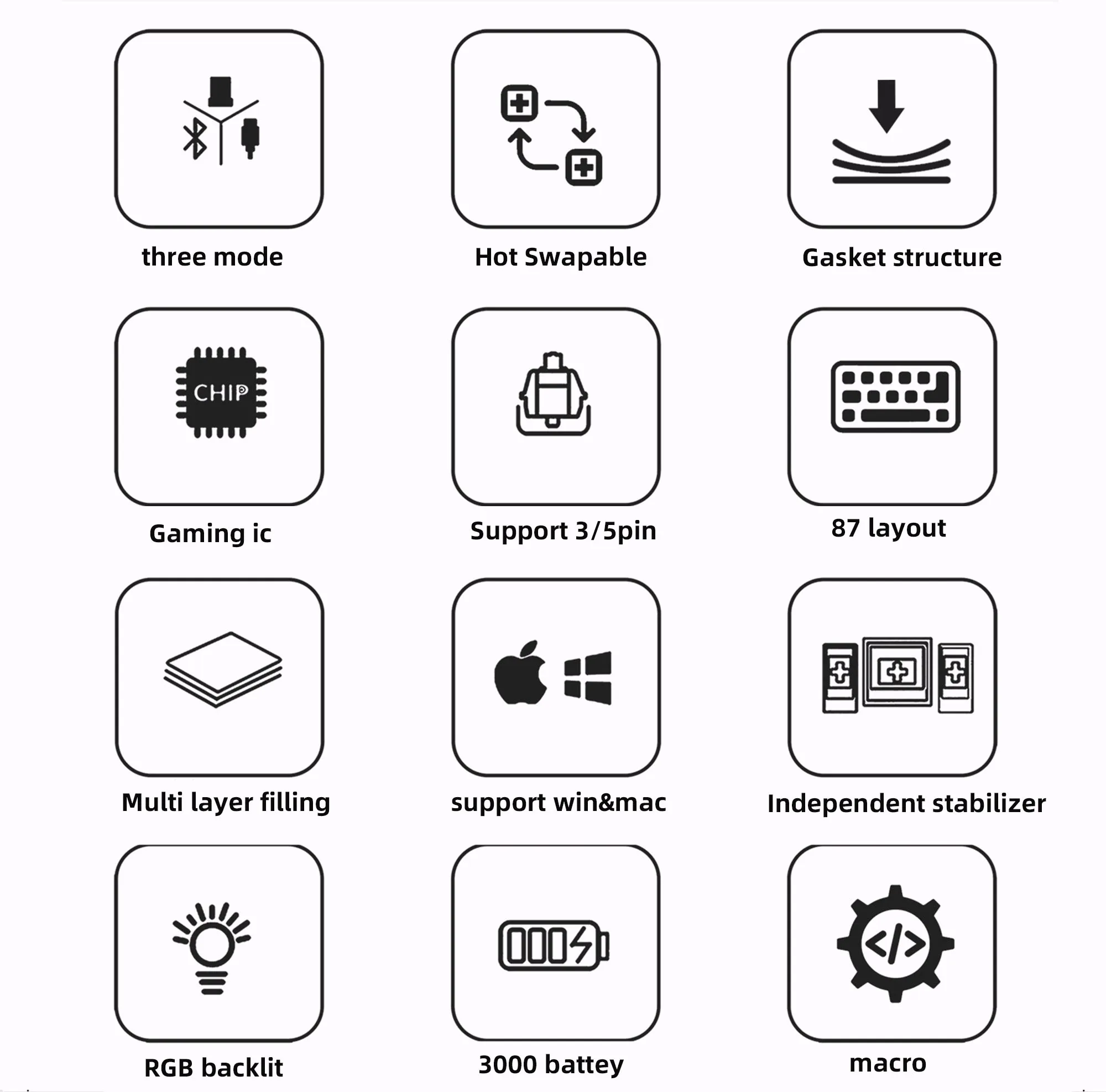
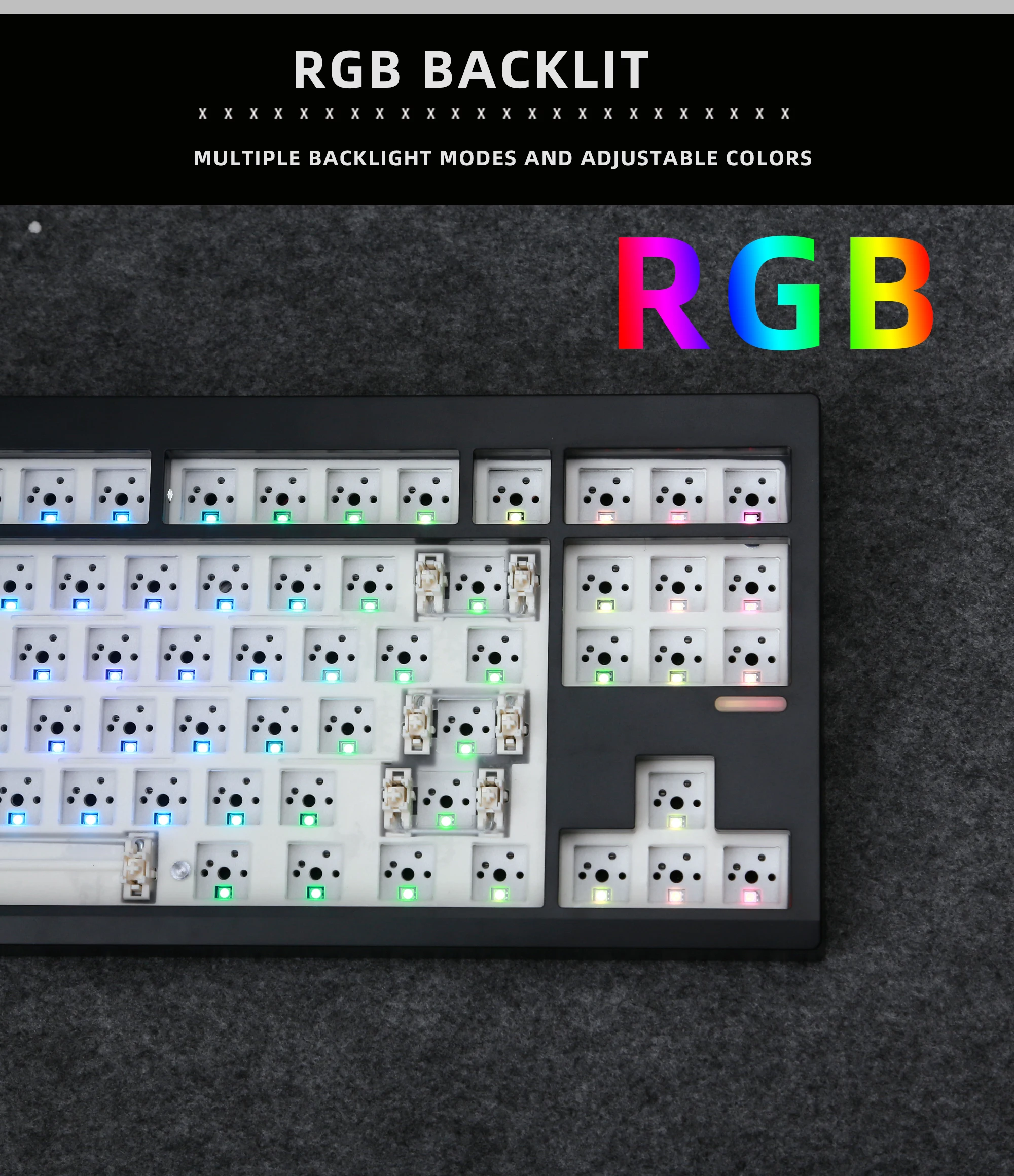
Backlight Type: MULTICOLOR
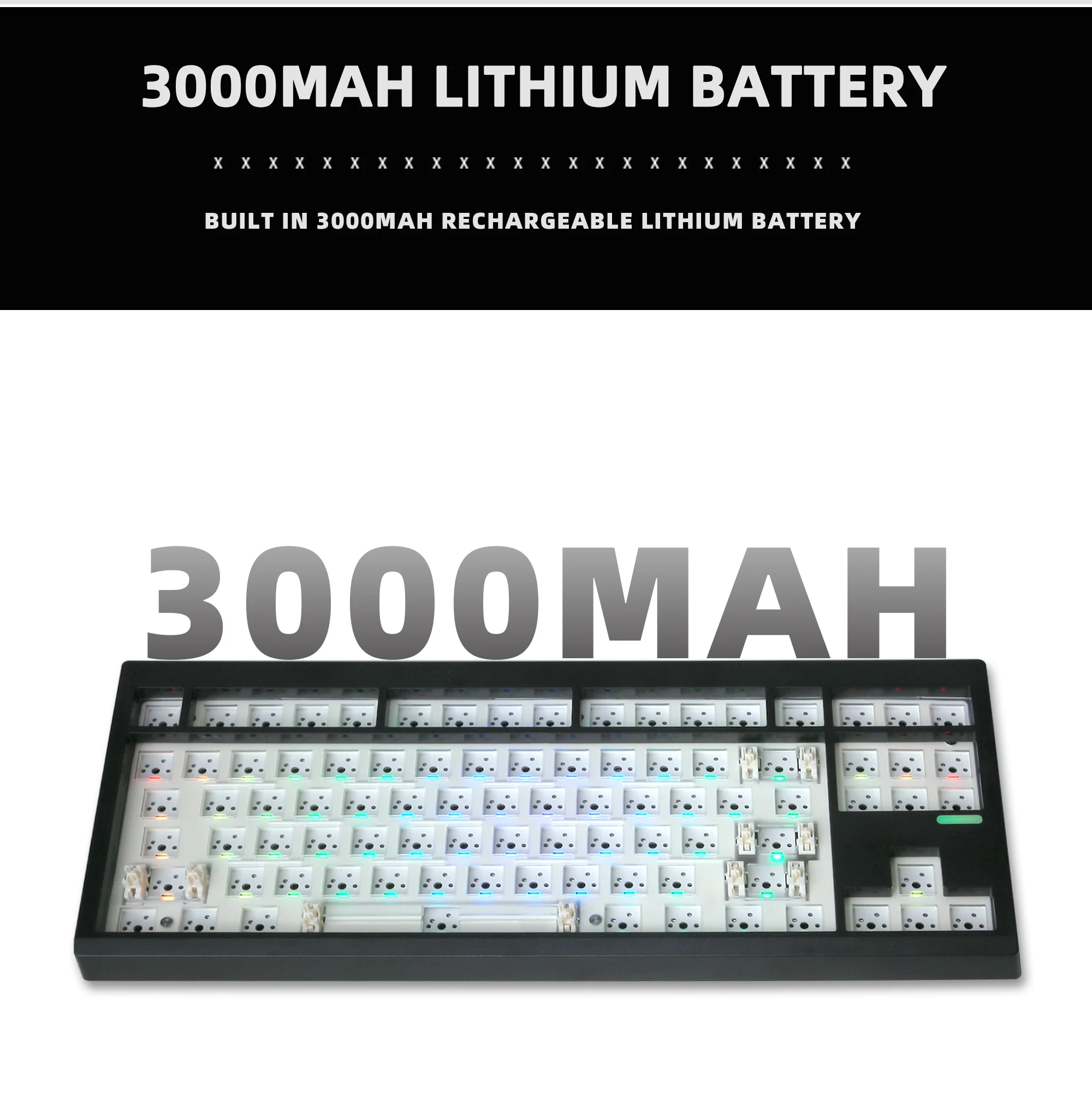
Battery Included: Yes
Brand Name: NoEnName_Null
Choice: yes
Full-Size Keyboard: No
High-concerned chemical: None
Interface Type: USB
Keyboard Standard: 87 Keys
Language: English
Operation Style: Mechanical
Origin: Mainland China
Package: Yes
Style: Standard
Hot-Swappable Switches: Yes
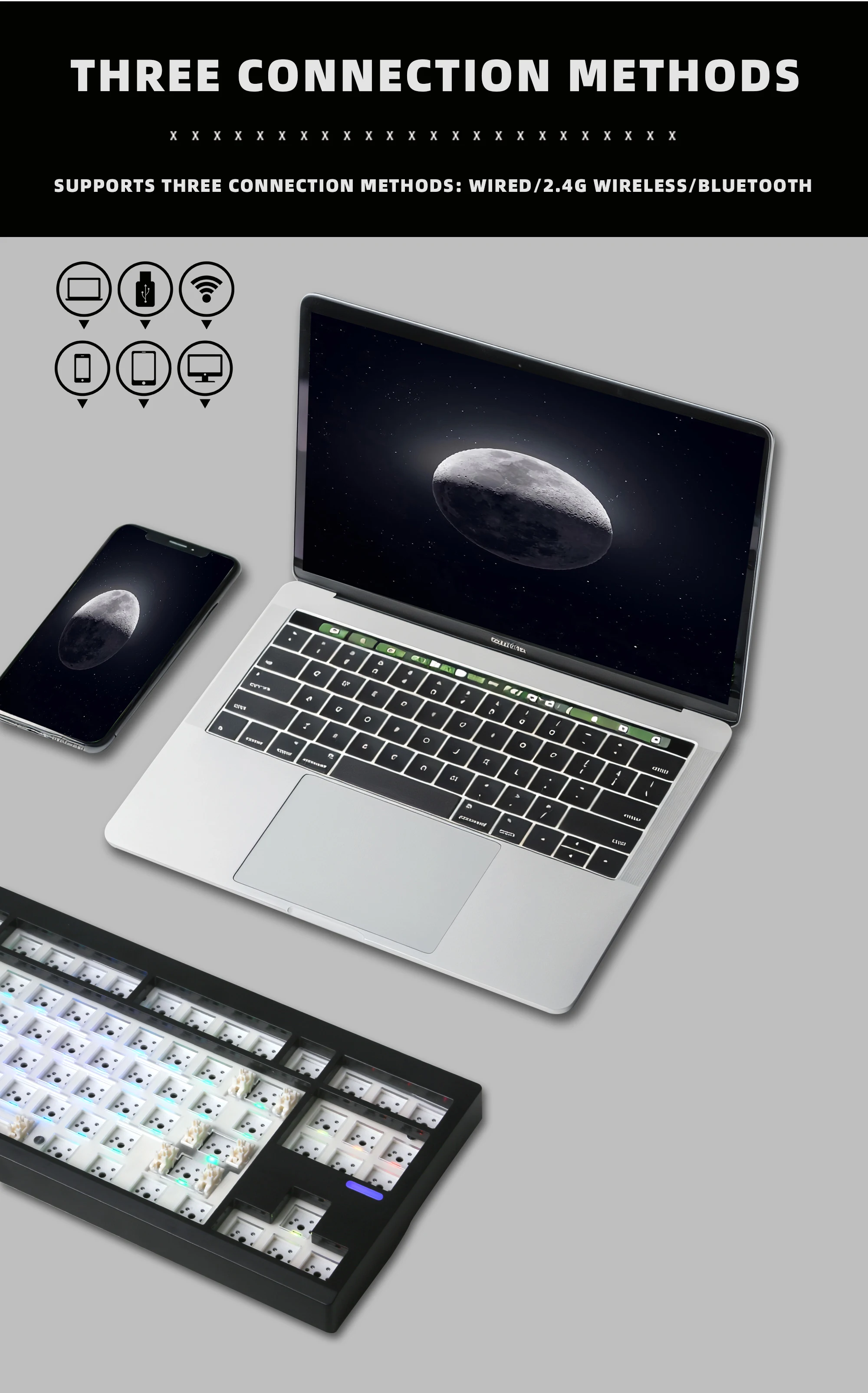
Type: Bluetooth Wireless
Wrist Support: No
Some precautions regarding the keyboard kit (please read carefully; the following items are deemed to have been read at the time of purchase)
The FN key on our keyboard kit is a function key and does not trigger a specific response when pressed on its own. If there is no response when testing it in software, this is normal: it is a function key and must be combined with other keys to perform its functions. The “Menu” key may also not open in some testing software; this is not a product issue.
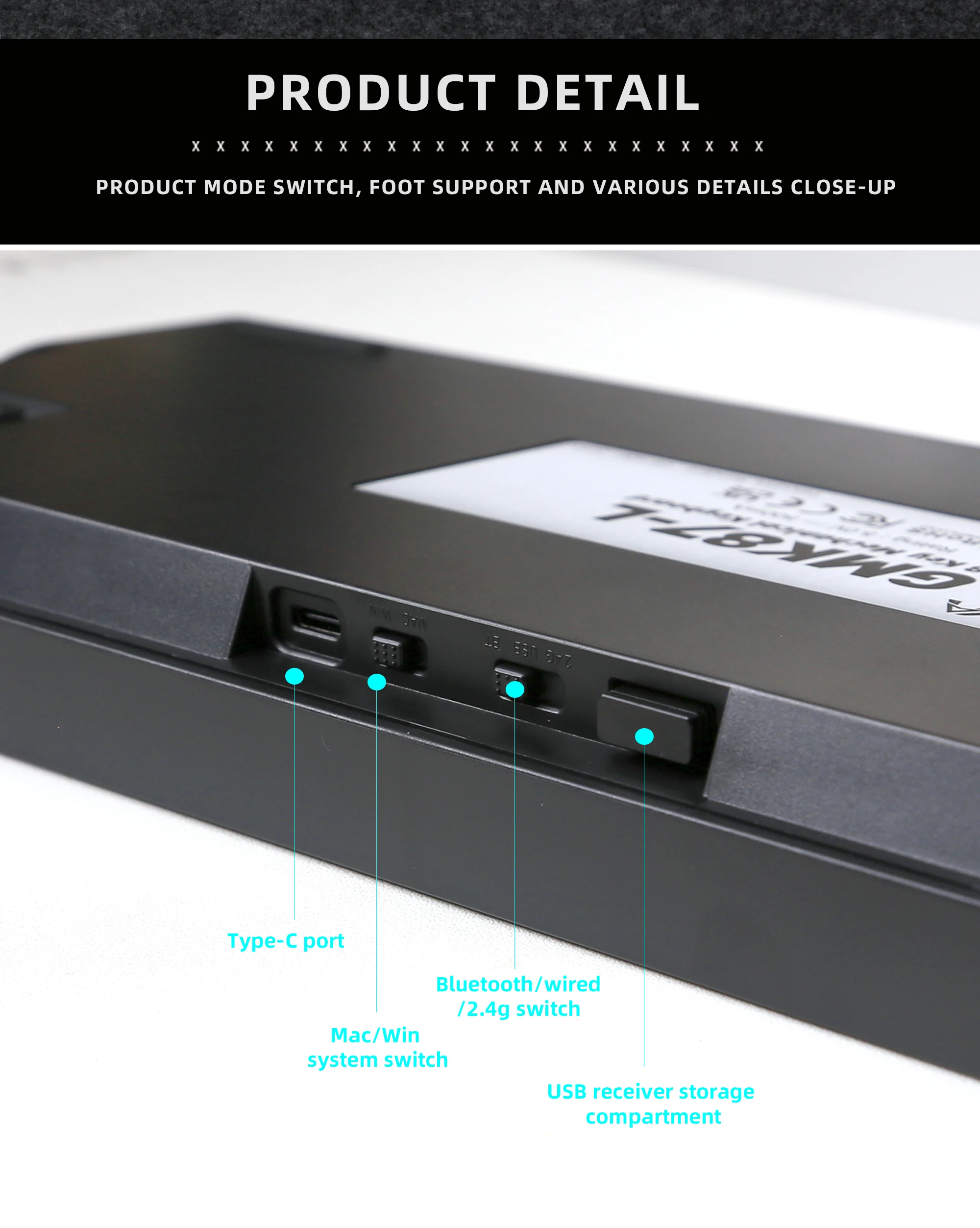
Our keyboard kit can switch between Mac and Windows systems. If your computer runs Windows, pressing Alt may appear as the Win key function in the testing software. Don’t worry: simply set the system switch to the corresponding mode (there is a switch next to the Type-C port, or press FN+a/s to switch to the correct system).